DForm Module — Overview
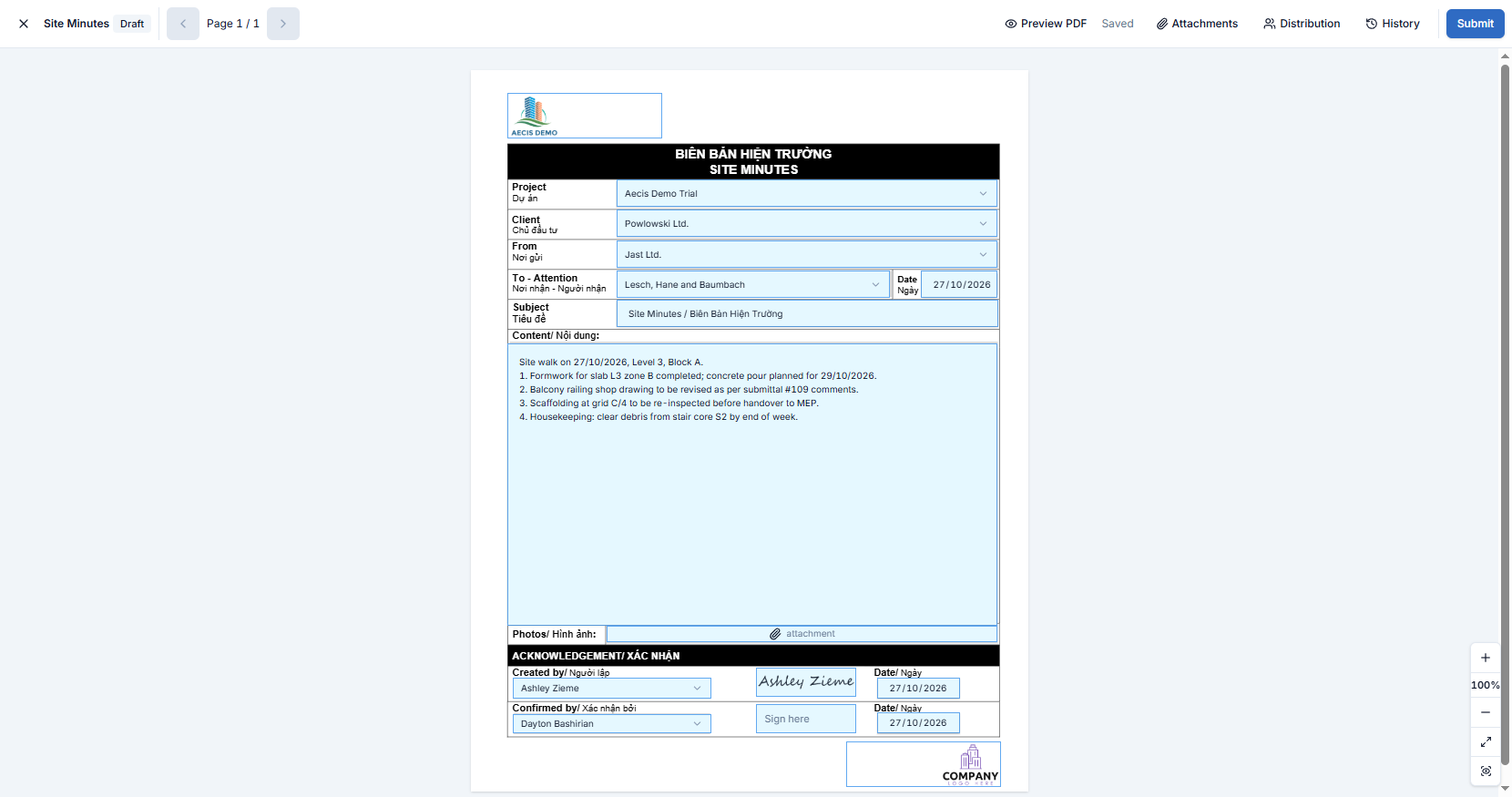
A DForm is a project form filled in directly on its PDF background: inspection checklists, weekly reports, request forms and so on. You fill the fields on the page, attach files, choose who receives it, and submit it as a Submittal so it goes through the normal review workflow.
The module is web-only — there is no mobile version.
You will find it in the Documents group of the navigation sidebar.
Key concepts
| Term | Meaning |
|---|---|
| Form template | A PDF with fillable fields, published to the project by an administrator. Every DForm starts from a template |
| DForm | One filled copy of a template. It starts as a Draft and saves automatically as you type |
| Confirm mapping | The last step before submitting: you check the values that AECIS will copy into the new Submittal |
How it fits together
- Start a DForm from the Submittals list: + New → From a DForm template. See Create a DForm from a Submittal.
- Fill the form in the DForm editor, and add attachments and distribution in the side panels.
- Click Submit and confirm the mapping. See Submit a DForm.
note
This guide covers filling and submitting forms. Setting up form templates is an administrator task and is not covered here.