The DForm List
Click DForm in the sidebar to see your own draft DForms: forms you started but have not submitted yet. Other people's drafts are not shown here, and a DForm leaves this list once it is submitted. The submitted form continues as a submittal in the Submittal module.
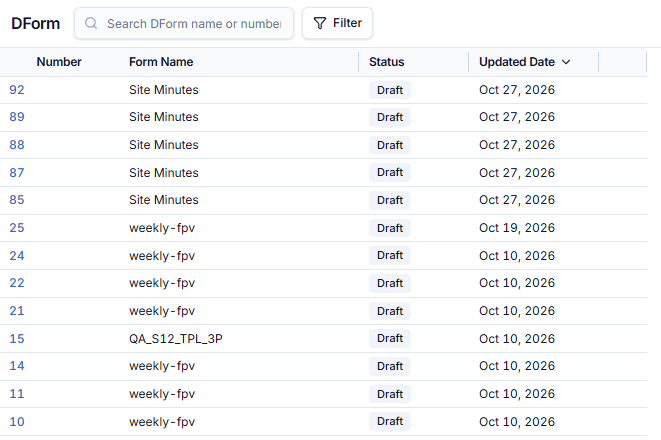
| Column | Meaning |
|---|---|
| Number | The DForm's number in the project |
| Form Name | The name of the form |
| Status | Draft — the form has not been submitted yet |
| Updated Date | When the form was last saved |
- Use the search box to find a form by name, and Filter to narrow the list. The total count is shown next to the toolbar.
- Click a row to open the form in the editor, finish filling it, and submit it.
Where is the New button?
The list has no + New button. New DForms are started from the Submittals list — see Create a DForm from a Submittal.