The Reports Archive
The Reports button on the roster toolbar opens a side panel listing the PDF files the scheduled send has produced. This is the record of what actually went out — distinct from the Submit stamp, which produces no file.
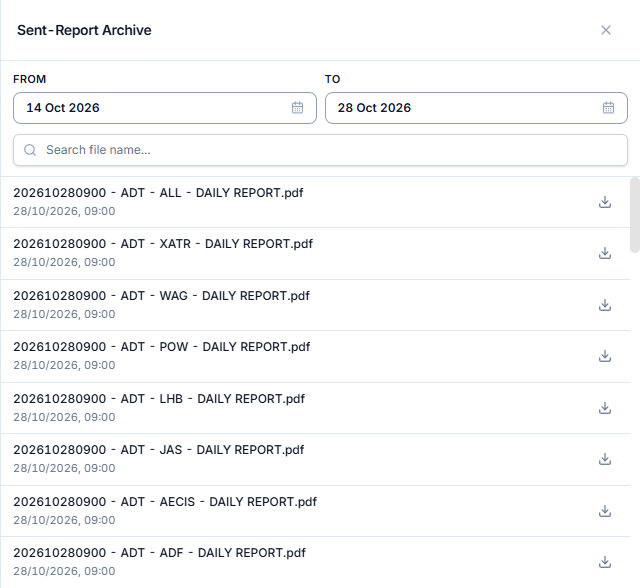
Filters
| Filter | Notes |
|---|---|
| Date range | Defaults to the last 14 days |
| Filename search | Free text |
File naming
Each file is named with a timestamp, the project abbreviation, the stakeholder abbreviation, and DAILY REPORT:
202608012100 - SAL - SEN - DAILY REPORT.pdf
The stakeholder segment reads ALL on the combined file that covers every stakeholder.
What one run produces
Every scheduled run produces:
- One file per stakeholder, and
- One merged file covering everyone (the
ALLfile).
So a project with five stakeholders produces six files per run.
Who sees what
Archive access follows the module's permissions:
| Your permission | What the archive shows |
|---|---|
| Read all | Only the sent reports belonging to your own stakeholder |
| Read global | Every stakeholder's sent reports, including the combined ALL file |
Opening a file
Click a row to open or download the PDF. Files are reached by link — the notification email works the same way and carries no attachments.